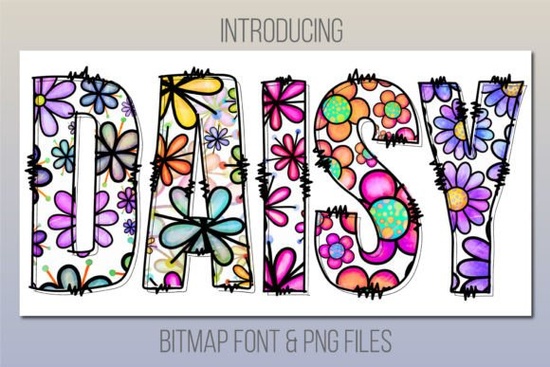
If you need instant visual charm without spending hours customizing graphics, a friendly daisy print color font like the Daisy Font delivers exactly that. Instead of chasing down separate flower clipart or layering complex shapes, you simply type your message and get a polished, ready-to-use result. This style works especially well when you want your project to feel approachable and bright right from the first draft.
Will it work with my cutting machine or printer setup?
This resource functions as a color bitmap font, which means each character contains pre-rendered image data rather than basic vector outlines. Because of that architecture, it does not integrate with standard crafting platforms like Cricut Design Space or Silhouette Studio. If you rely on those tools for sticker production or t-shirt transfers, you will need to switch workflows. The included bonus folder provides high-resolution PNG files with transparent backgrounds that cutting machines can read easily. You can export your design as an image, upload it to your preferred software, and proceed with your usual material settings without worrying about font conversion errors.
Which programs can actually open these letters?
Color fonts require specific rendering engines, so compatibility depends on your desktop environment. Adobe Creative Cloud applications support this format starting at specific release dates. Photoshop, Illustrator, and InDesign handle the type smoothly once you install the font file and restart the application. If you run a Mac, the system utility Font Book, along with Pages and Keynote, also recognize the color characters natively. Windows users typically stick to Adobe or third-party graphic editors that support OpenType-SVG features. When you place the text on your canvas, the colors remain embedded, so resizing or rotating never flattens the detail into a single solid block.
How do crafters and small business owners actually use it day to day?
The playful structure fits neatly into personal and commercial projects that benefit from a cheerful tone. Online stores selling apparel, mugs, or gift tags often drop these letters into mockups to test customer response before investing in large print runs. Digital planners and printable calendars gain immediate personality when designers swap standard sans-serif headers for expressive alternatives. Social media creators save editing time by typing directly over photos instead of hunting through icon libraries. Even classroom teachers and community organizers use the layout for bulletin boards and event flyers because the built-in shading removes the need for manual coloring.
Where should I look next if I need something with a similar vibe?
When your current workload expands beyond single-word accents, exploring a broader library saves precious development hours. Many creators pair decorative alphabets with supporting script families to maintain visual consistency across campaigns. If you eventually outgrow the size limitations of bitmap type, colorful alternative resources often provide layered versions that scale better for wide banners. For projects that still thrive on that exact floral energy, revisiting matching seasonal collections keeps your aesthetic cohesive without breaking brand guidelines.
Ready to put the type into action? Run through this quick setup routine to avoid common formatting roadblocks:
- Download the package and double-click the main font file to install it.
- Restart your design application so the new character set registers properly.
- Open your text box and select the fresh installation from the font dropdown menu.
- Type your headline or tagline and adjust tracking slightly to let the petals breathe.
- If your software blocks color rendering, drag the PNG folder into your workspace instead.
- Export your final layout at 300 DPI minimum for crisp shrink-wrap or sticker printing.
Keep a few practical notes in mind as you finalize your files. Always verify your color profile matches your printing device, since bitmap characters sometimes shift hue when converted between RGB and CMYK workflows. Label your exported PNGs clearly so future revisions never lose the editable layer structure. When used correctly, this playful addition transforms routine layouts into eye-catching assets that customers notice immediately.
Learn More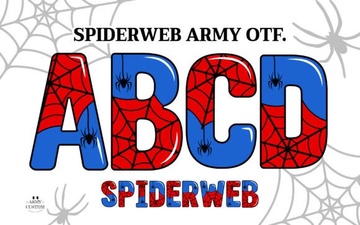 Spiderweb Army Font for Graphic Designers & Creatives
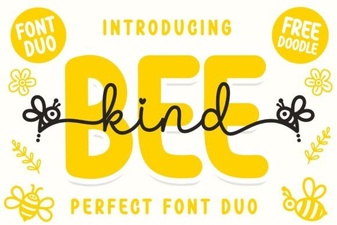 Bee Kind Duo Font: Creative Typography Projects
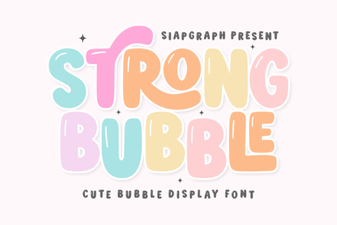 Playful Bubble Font Designs for Creative Projects
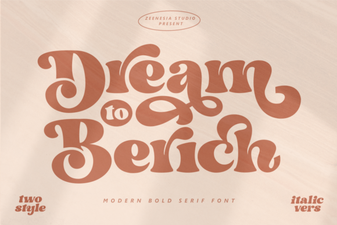 Dream to Berich Font: Design and Usage Ideas
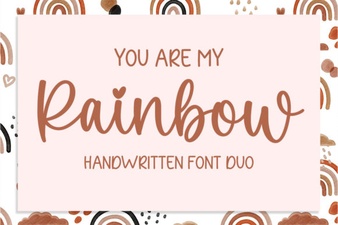 Rainbow Font Designs: Creative Ideas for Your Next Project
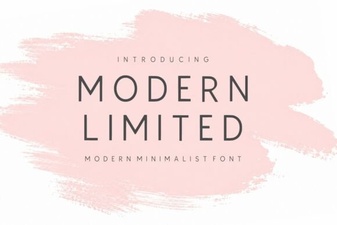 Modern Sans-Serif Fonts for Clean Web Design